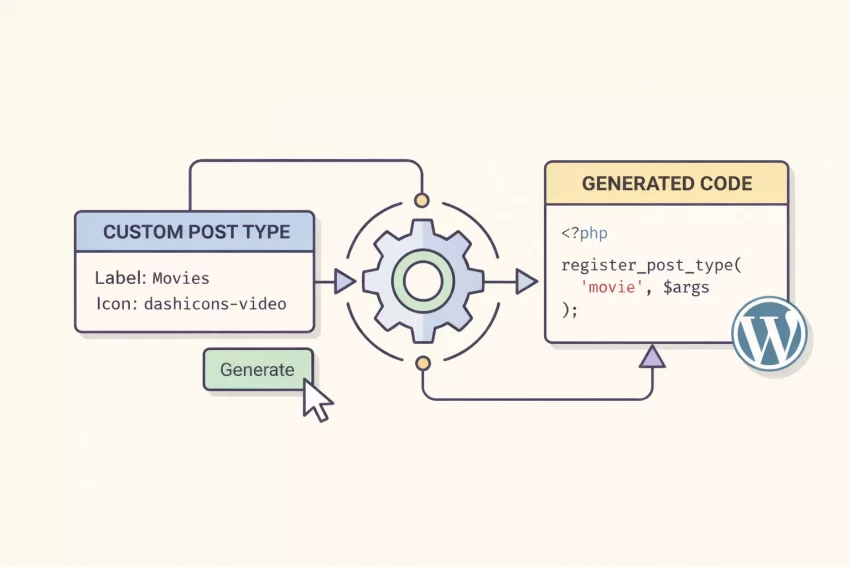
The Ultimate WordPress Custom Post Type Generator
WordPress is an incredibly flexible platform, largely thanks to its ability to handle different types of content. While “Posts” and “Pages” are great, most modern websites need more. Whether you are building a movie database, a real estate listing site, or a portfolio, you need a way to organize that specific data. Enter the WordPress Custom Post Type Generator.
If you have ever tried to register a custom post type (CPT) manually, you know the drill: digging through the WordPress Codex, copying a massive chunk of boilerplate code, and meticulously renaming every single label from “Post” to “Project” or “Movie.” One missing semicolon or a typo in the text domain, and your site breaks.
Our WordPress Custom Post Type Generator solves this problem instantly. It provides a visual interface to configure your settings and automatically writes the error-free PHP code you need.
Bonus: We offer a variety of tools you can take advantages of. You can check them in our Tools page. All of them are free. Good luck!
Why Do You Need a Custom Post Type?
Before diving into how our tool works, let’s clarify why you might need it. By default, WordPress gives you two main content types:
- Posts: Time-sensitive content like news and blogs.
- Pages: Static content like “About Us” or “Contact.”
But what if you run a book review site? You could use standard Posts and tag them “Reviews,” but that gets messy. A better approach is creating a separate “Book” post type. This allows you to have a dedicated menu item in your dashboard, custom archive layouts, and specific URLs (e.g., yourdomain.com/book/harry-potter).
Writing the code to make this happen involves the complex register_post_type() function. This is exactly what our WordPress Custom Post Type Generator handles for you.
How to Use This Tool
We have designed this WordPress Custom Post Type Generator to be as intuitive as possible. You don’t need to be a developer to use it, but the code it produces is developer-grade.
Step 1: General Settings
Start by defining the core identity of your post type.
- Post Type Key: This is the most important field. It is the internal name WordPress uses in the database (e.g., movie). Keep it lowercase and simple.
- Function Name: We automatically suggest a function name based on your key, but you can customize it to avoid conflicts with other plugins.
- Text Domain: If you are building a theme or plugin for distribution, enter your text domain here for translation support.
Step 2: Labels
This is where our WordPress Custom Post Type Generator shines. Instead of manually typing “Add New Movie,” “Edit Movie,” “View Movie” twenty times, simply input your Singular name (e.g., “Movie”) and Plural name (e.g., “Movies”). The tool instantly populates every required label in the WordPress admin interface, ensuring a professional look for your clients or editors.
Step 3: Options & Visibility
Control how your CPT behaves.
- Public: Do you want these posts visible on the frontend?
- Has Archive: Should there be a page that lists all your items (e.g., yoursite.com/movies/)?
- Menu Icon: We’ve integrated Dashicons support. Simply type the class name of the icon you want (like dashicons-format-video) to give your admin menu a polished look.
Step 4: Supports
What features should the editor have? If you are building a simple testimonial CPT, you might only need the “Title” and “Editor.” If it’s a gallery, you might need “Thumbnail” (Featured Image). Check the boxes, and the WordPress Custom Post Type Generator will update the array instantly.
Step 5: Copy and Paste
Once you are happy with the settings, look at the code block at the bottom. Click anywhere on the code, and it will automatically copy to your clipboard.
Privacy and Security: Client-Side Generation
Security is often a concern when using online coding tools. You might wonder, “Is this tool saving my project data?”
We take your privacy seriously. This WordPress Custom Post Type Generator is built entirely on JavaScript and runs 100% in your browser.
- No Data Storage: We do not save your inputs, variable names, or project details to our server.
- Instant Speed: Because there is no server processing, the code updates instantly as you type.
- Safe Code: The output uses standard WordPress core functions. It does not include any malicious scripts or third-party dependencies.
Frequently Asked Questions (FAQs)
Q: Where do I paste the code generated by this WordPress Custom Post Type Generator?
A: You have two main options. The best practice is to paste it into a custom plugin (or mu-plugins folder). This ensures your content types remain even if you switch themes. Alternatively, you can paste it into your theme’s functions.php file, but be aware that if you change themes, your CPTs will disappear from the admin area (though the data remains in the database).
Q: Can I use this tool for commercial projects?
A: Absolutely. The code generated is open-source and follows standard WordPress coding conventions. You are free to use it in personal sites, client projects, or premium themes.
Q: Why isn’t my new Post Type showing up?
A: If you pasted the code but get a 404 error when viewing a post, you likely need to flush your permalinks. Go to Settings > Permalinks in your WordPress dashboard and simply click “Save Changes.” This resets the rewrite rules.
Q: Does this tool create Custom Fields (meta boxes)?
A: No, this is strictly a WordPress Custom Post Type Generator. It registers the content type itself. To add custom fields (like “Movie Rating” or “Release Date”), you will need to use a plugin like Advanced Custom Fields (ACF) or write additional PHP code for metaboxes.
Start Building Today
Stop wasting time writing boilerplate code and debugging syntax errors. Use our WordPress Custom Post Type Generator to streamline your workflow. Whether you are a seasoned developer looking to save 15 minutes or a beginner learning how WordPress data structures work, this tool is designed for you.
Give it a try above—adjust the tabs, tweak the settings, and grab your clean, optimized PHP code instantly.