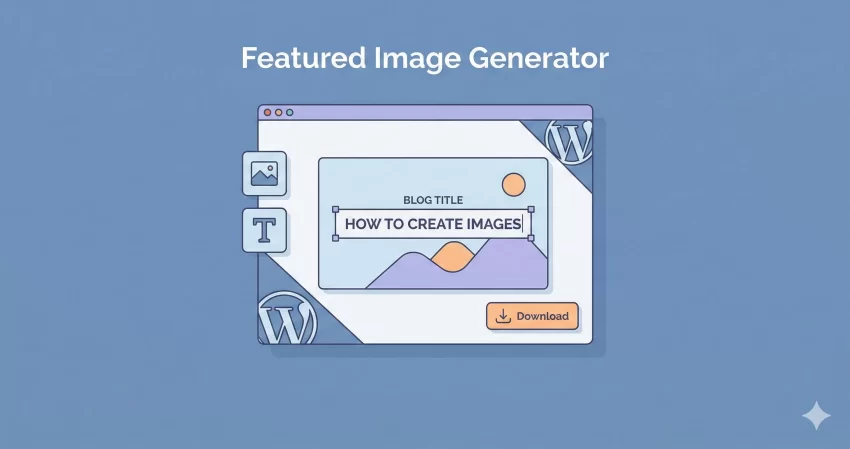
Let’s be honest: finding the perfect image for your blog post is a pain. You spend hours writing amazing content, only to get stuck searching for a stock photo that doesn’t look cheesy. Or worse, you try to design something from scratch and end up wasting an hour just to align text on a background. That is exactly why I built this Free Featured Image Generator.
I wanted a tool that does one thing and does it well: helps developers, writers, and content creators generate professional-looking featured images in seconds, not hours. Whether you are running a WordPress development blog or a personal journal, this tool is designed to make your workflow faster, lighter, and more efficient.
Why Use This Free Featured Image Generator?
Most online image editors are bloated. They force you to sign up, bombard you with ads, or make you pay to download high-quality versions. This Free Featured Image Generator is different. It is built with a “utility-first” mindset.
Here is what makes it stand out:
- Zero Server Uploads: Your images are processed entirely in your browser. This ensures maximum privacy and speed.
- SEO-Ready Formats: Unlike other tools that give you heavy PNGs, our Free Featured Image Generator lets you export in WebP, the modern format that Google loves for Core Web Vitals.
- Perfect Dimensions: Pre-set sizes for Facebook (Open Graph), Twitter, and Instagram mean you never have to guess crop dimensions again.
Tip: Check out our Free Online WebP Converter
How to Use the Free Featured Image Generator
Using this tool is incredibly intuitive. You don’t need to be a graphic designer to get professional results. Just follow these simple steps to get the most out of the Free Featured Image Generator:
Step 1: Choose Your Canvas
Start by selecting the platform you are designing for. The tool defaults to 1200×630, which is the gold standard for Facebook and general social media sharing. If you are creating a header for a blog post, you might prefer the 16:9 ratio.
Step 2: Upload and Adjust Background
Click the upload button to choose your base image. The Free Featured Image Generator automatically scales your image to cover the canvas (like CSS object-fit: cover), so you don’t have to worry about weird stretching. If you don’t have an image, you can use a solid color background.
Step 3: Add Your Text and Overlay
This is where the magic happens. Type your blog post title. The tool automatically centers it. To make the text pop, use the “Overlay” slider. This adds a dark layer between your image and text, ensuring readability even on busy backgrounds.
Step 4: Branding and Download
Don’t let your hard work go uncredited. Use the Watermark feature to drag and drop your logo into the corner. Once you are happy, hit download. We recommend choosing WebP format for the best balance of quality and file size.
Privacy and Security: Your Data Stays With You
One of the biggest concerns with online tools is data privacy. When you upload a photo to most “free” editors, that photo is sent to a remote server. You have no idea if they are storing it or using it to train AI models.
With this Free Featured Image Generator, I took a different approach. I built it using HTML5 Canvas technology. This means the image processing happens 100% inside your web browser. Your images never touch my server.
Because the Free Featured Image Generator runs client-side, it is also incredibly fast. You aren’t waiting for a server to process the image and send it back—it happens instantly on your device.
Advanced Tips for Developers
Since many of you reading this are WordPress developers, you might want to know how to style the output images on your own sites. While this Free Featured Image Generator creates the image file, how you display it matters too.
Here is a quick CSS snippet to ensure your new featured images look great on your single post templates:
.single-post-thumbnail img {
    border-radius: 8px;
    box-shadow: 0 4px 12px rgba(0,0,0,0.1);
    width: 100%;
    height: auto;
}
Frequently Asked Questions
Is this Free Featured Image Generator really free?
Yes, absolutely. There are no hidden tiers, no “pro” version, and no watermarks added by the tool (unless you add your own!). It is a completely Free Featured Image Generator for the community.
Can I use the images for commercial projects?
The images you create are yours. Since the tool just processes your inputs, you hold the copyright to the final output (assuming you have rights to the background image you used). You can use them for client sites, commercial blogs, or social media ads.
Why should I use WebP format?
Our Free Featured Image Generator offers WebP export because it provides superior compression compared to JPEG or PNG. Using WebP images can significantly improve your website’s loading speed, which is a ranking factor for Google.
Does it work on mobile?
Yes! The Free Featured Image Generator is fully responsive. You can snap a photo on your phone, upload it, add a title, and download the ready-to-post graphic right from your mobile browser.
Start Creating Now
Stop wasting time with complex software just to add text to an image. Give the Free Featured Image Generator a try above. It is simple, secure, and built specifically for creators who value efficiency. If you find it useful, bookmark this page so you can generate your next post header in seconds.