Free Online WebP Converter: Optimize Your Images for the Web
In the modern web ecosystem, every kilobyte counts. Whether you are a WordPress developer, a photographer, or a casual blogger, page speed is a critical factor for both User Experience (UX) and SEO rankings.
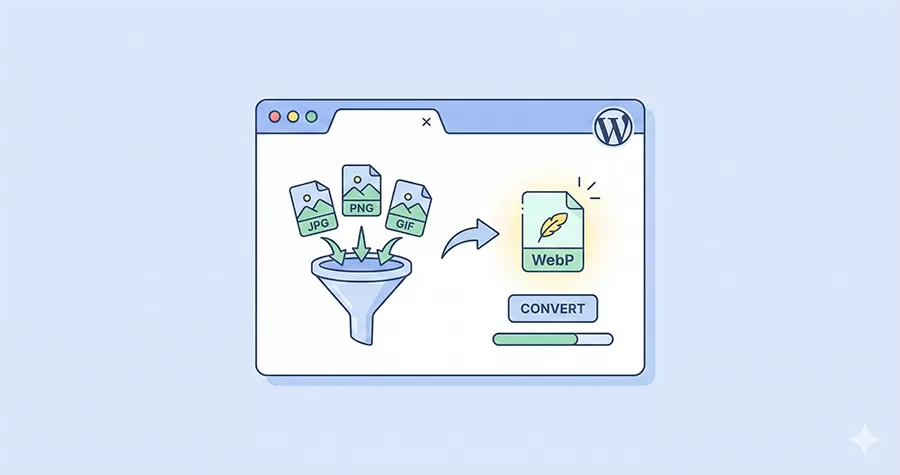
The PixelNet Free Online WebP Converter is designed to solve one of the biggest performance bottlenecks on the web: heavy images. By converting your standard JPEG, PNG, and GIF files into the modern WebP format, you can drastically reduce file sizes without sacrificing visual quality.
Why You Should Switch to WebP
WebP is a modern image format developed by Google specifically for the web. Unlike traditional formats that were created decades ago, WebP uses advanced compression algorithms to make images significantly lighter.
- Superior Compression: WebP images are typically 26% smaller than PNGs and 25-34% smaller than JPEGs at equivalent quality indexes.
- Faster Loading Times: Smaller files mean less bandwidth usage and faster load times, which directly improves your Google Core Web Vitals scores (specifically LCP).
- Transparency Support: Unlike JPEGs, WebP supports transparency (alpha channel), making it a perfect replacement for bulky PNG logos and icons.
- Universal Support: As of today, WebP is supported by all modern browsers, including Chrome, Firefox, Safari, and Edge.
How to Use This Free Online WebP Converter Tool
We built this tool with simplicity and efficiency in mind. You don’t need to install complex software like Photoshop or use command-line tools to optimize your assets.
- Upload: Click the “Select Files” button or simply drag and drop your images (JPG, PNG, or GIF) into the Free Online WebP Converter box above.
- Convert: The tool processes files individually to ensure maximum quality. Watch the status change from “Ready” to “Finished.”
- Compare: Check the “WebP Size” column to see exactly how much space you have saved.
- Download: Download images individually, or use the “Download All” button to get a ZIP file containing all your optimized images.
Privacy & Security First
Many online converters store your images on their servers indefinitely, posing a privacy risk. At PixelNet, we prioritize data security:
- Automatic Cleanup: This tool uses a secure temporary directory for processing. A server-side cron job runs automatically to wipe all uploaded and converted files every hour.
- No Public Access: Your files are isolated and protected against directory snooping.
- You Own Your Data: We do not claim ownership, analyze, or distribute your images.
WebP for WordPress Developers
As a WordPress focused blog, we know the struggle of managing media libraries. While there are plugins that convert images on the fly, they often bloat your database or slow down your server during traffic spikes.
Using a manual tool like this Free Online WebP Converter is ideal for:
- Theme Development: optimizing static assets (logos, backgrounds) before bundling them into your theme.
- High-Traffic Pages: Manually converting hero images for your landing pages to ensure the absolute smallest file size.
- Reducing Plugin Overhead: By uploading WebP images directly to your Media Library, you can often avoid installing heavy image optimization plugins altogether.
Frequently Asked Questions (FAQ)
Does converting to WebP lose quality?
WebP uses “lossy” compression (like JPEG) but is much smarter about it. In most cases, the visual difference between a 100KB JPEG and its 60KB WebP counterpart is indistinguishable to the human eye.
Can I convert PNGs with transparent backgrounds?
Yes! This tool preserves the transparency (alpha channel) found in your PNG and GIF files during the conversion process.
Is there a limit to how many files I can convert?
For guest users, we limit batch processing to 5 files at a time to ensure server stability. However, if you are a registered member of the PixelNet community, you can log in to unlock unlimited batch conversions.