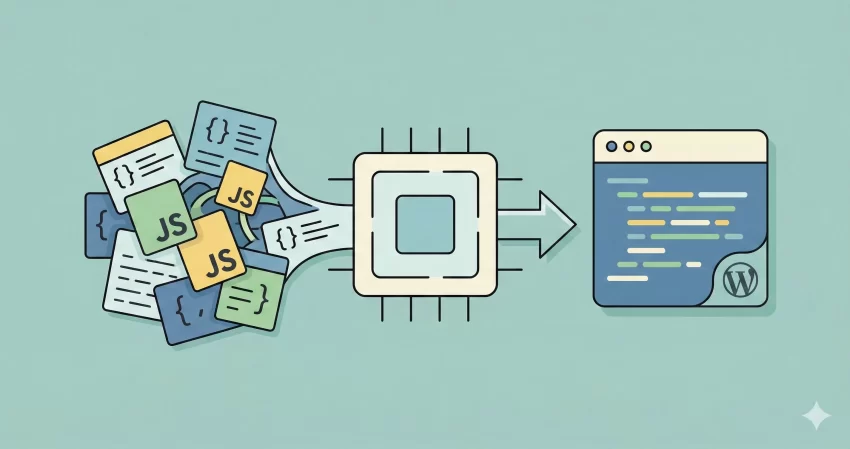
Welcome to your new go-to development utility. Whether you are a seasoned full-stack developer or a WordPress enthusiast tweaking a theme, managing your code’s performance and readability is crucial. That is exactly why we built this free JavaScript Minifier and Beautifier tool. Check the Minification Glossary at MDN.
In the modern web, speed is everything. A bloated script can slow down your page load times, hurt your SEO rankings, and frustrate your users. On the flip side, trying to debug a script that looks like one giant block of text is a nightmare. Our tool solves both problems in seconds. You can crush your code down to its smallest possible size for production, or expand it back into a clean, readable format for debugging.
What is a JavaScript Minifier?
A JavaScript Minifier is a tool that compresses your JavaScript source code without changing how it functions. It works by removing unnecessary characters that computers don’t need to understand your code, such as:
- White spaces, indentation, and newlines.
- Comments (both single-line and multi-line).
- Block delimiters that aren’t strictly required.
It also shortens local variable names to single letters (a process called “mangling”). The result is a highly compact file that downloads much faster. When you are ready to push your project live, running your code through a JavaScript Minifier is an industry-standard best practice.
How to Use This Tool
We designed this interface to be as simple and distraction-free as possible. Here is how you can optimize or clean up your scripts:
1. Paste Your Code
Copy your raw JavaScript code from your editor (VS Code, Sublime, etc.) and paste it into the “Input JavaScript” box above.
2. Choose Your Action
- Minify: Click the “Minify” button to run the JavaScript Minifier engine. It will strip out the bloat and give you a lean, production-ready script.
- Beautify: If you have a minified file and need to read it, click “Beautify.” This will re-add indentation and spacing, turning a wall of text into structured, readable code.
3. Copy and Deploy
Once the process is done, the result will appear in the output box with syntax highlighting. Click the “Copy” button to grab the code and paste it back into your project.
Tip: Checkout Our CSS Minifier an Beautifier Tool and JSON Formatter and Validator Tool.
Why Should You Minify JavaScript?
You might be wondering if saving a few kilobytes really matters. The short answer? Yes, absolutely. Here is why using a JavaScript Minifier is essential for any serious web project:
Faster Page Load Times
Google loves fast websites, and so do users. JavaScript files are often the heaviest resources on a webpage. By reducing their size by 30% to 80%, you reduce the time it takes for a browser to download and parse them.
Bandwidth Savings
If you pay for hosting based on bandwidth usage, smaller files mean lower bills. For high-traffic sites, a robust JavaScript Minifier can save gigabytes of data transfer every month.
Better User Experience on Mobile
Mobile networks can be spotty and slow. A minified script ensures that your interactive elements load quickly, even for users on 3G or 4G connections.
Code Example: Before and After
To give you a clear idea of what our JavaScript Minifier does, let’s look at a simple example.
Before (Original Code):
// This is a function to greet the user
function greetUser(name) {
    var message = "Hello, " + name + "!";
    console.log(message);
    return message;
}
After (Minified Code):
function greetUser(n){var e="Hello, "+n+"!";return console.log(e),e}
As you can see, the JavaScript Minifier removed the comments, collapsed the whitespace, and shortened the variable names. The code works exactly the same way, but it is much lighter.
Privacy and Security: Is My Code Safe?
We know that security is a top priority for developers. You definitely don’t want your proprietary algorithms or sensitive logic floating around on someone else’s server.
We built this JavaScript Minifier with a “client-side first” approach. This means that the compression and beautification happen right inside your web browser. Your code is not sent to our server to be processed. It stays on your machine, ensuring that your intellectual property remains private and secure.
Frequently Asked Questions (FAQs)
Will minification break my code?
Generally, no. Our tool uses advanced parsing logic (powered by Terser) to ensure that the functionality remains intact. However, we always recommend keeping a backup of your original “source” file. You should only use the output from the JavaScript Minifier for the production version of your website.
Can I reverse the minification?
You can use the “Beautify” button to make the code readable again, but you cannot fully reverse the process. For example, if the JavaScript Minifier renamed a variable from “userEmail” to “a”, the beautifier won’t know the original name was “userEmail”. It will just format “a” nicely. This is why keeping your source file is important.
Is this tool free to use?
Yes, this is a completely free JavaScript Minifier. You can use it as many times as you like for as many projects as you need.
Does it support modern JavaScript (ES6+)?
Absolutely. Our engine is updated to handle modern syntax, including arrow functions, async/await, and classes. You can confidently minify modern applications without worrying about syntax errors.
Start Optimizing Today
Don’t let heavy scripts drag your website down. Use our JavaScript Minifier to instantly streamline your code, boost your SEO, and keep your visitors happy. Paste your code above and see the difference for yourself!