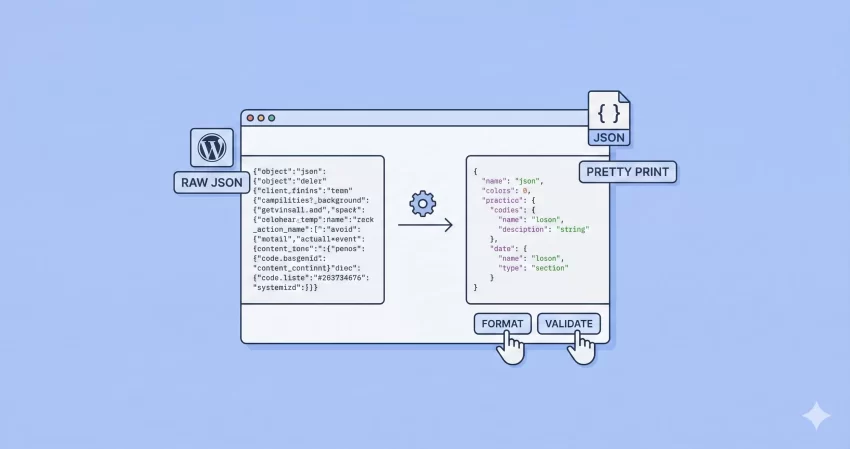
Working with API data or configuration files often means dealing with massive blocks of minified code that are impossible to read. Whether you are a seasoned developer debugging a complex application or a beginner learning data structures, having a reliable JSON Formatter and Validator is an essential part of your workflow.
JSON (JavaScript Object Notation) is the language of the web, but it isn’t always human-readable. Our tool solves this problem instantly. By using this JSON Formatter and Validator, you can transform messy, minified strings into clean, indented, and readable code. More importantly, it helps you identify syntax errors before they break your application.
Why You Need a Dedicated JSON Formatter and Validator
Most Integrated Development Environments (IDEs) have formatting built-in, but they aren’t always accessible when you are doing quick debugging or working on a different machine. An online JSON Formatter and Validator allows you to beautify your code from any browser, anywhere.
However, not all tools are created equal. Many online formatters send your data to a remote server for processing. This introduces latency and, more fastidiously, security risks. Our JSON Formatter and Validator is different. It is built using client-side JavaScript technology. This means your data is processed locally on your own computer and is never transmitted to our servers.
Tip: Checkout our WordPress Metabox Generator
Key Features of This Tool
- Instant Pretty Print: Convert minified JSON into a structured, easy-to-read format.
- Syntax Highlighting: Color-coded output helps you distinguish between keys, strings, numbers, and booleans.
- Error Detection: The JSON Formatter and Validator quickly flags syntax errors so you can fix them immediately.
- Adjustable Indentation: Choose between 2 spaces, 4 spaces, or tab indentation to match your coding standards.
- Lightweight & Fast: Because it runs in your browser, there is no server lag.
How to Use the JSON Formatter and Validator
We have designed this interface to be as intuitive as possible. You don’t need to be a coding expert to clean up your data. Just follow these simple steps:
- Paste Your Data: Copy your raw or minified JSON string and paste it into the input box above.
- Select Indentation: Use the dropdown menu to select your preferred spacing (commonly 4 spaces for readability).
- Click Format: Hit the “Format / Validate” button. The JSON Formatter and Validator will instantly process your input.
- Review Output: Your formatted code will appear in the result box with syntax highlighting. If there are errors, an alert will tell you exactly what went wrong.
Example: Before and After
Here is what happens when you use our tool. Imagine you have a minified string like this:
{"id":1,"name":"John Doe","roles":["admin","editor"],"active":true}
After running it through the JSON Formatter and Validator, it transforms into this readable structure:
{
    "id": 1,
    "name": "John Doe",
    "roles": [
        "admin",
        "editor"
    ],
    "active": true
}
Privacy and Security: Your Data stays Safe
Security is the number one concern when pasting data into online tools. You might be working with sensitive API keys, user data, or proprietary configuration files. You should not have to worry about that data being logged or stored by a third party.
Because this specific JSON Formatter and Validator operates entirely via JavaScript and jQuery in your browser, no data is ever sent to our backend server. The processing happens locally on your device’s memory. This architecture ensures that your sensitive information remains private, making this one of the safest ways to format JSON online.
Common JSON Syntax Errors to Watch For
Even the best developers make typos. When our JSON Formatter and Validator throws an error, it is usually due to one of these common mistakes:
1. Trailing Commas
JSON does not allow a comma after the last item in an array or object. While JavaScript might forgive this, strict JSON parsers will not.
2. Single Quotes vs. Double Quotes
The JSON standard strictly requires double quotes (“) around keys and string values. Single quotes (‘) will cause the validation to fail.
3. Unquoted Keys
Unlike standard JavaScript objects, all keys in JSON must be wrapped in double quotes. Our JSON Formatter and Validator will highlight this issue if you attempt to validate loose JavaScript object syntax.
Frequently Asked Questions (FAQs)
Is this JSON Formatter and Validator free to use?
Yes, this tool is 100% free. You can use this JSON Formatter and Validator as many times as you like for personal or commercial projects without any cost.
Can I use this tool offline?
Since the logic is client-side, once the page is fully loaded, you can technically disconnect from the internet and the JSON Formatter and Validator will still function correctly because the JavaScript is already loaded in your browser cache.
Does it support large files?
Yes, but performance depends on your computer’s processing power. Since this is a browser-based JSON Formatter and Validator, extremely large files (hundreds of megabytes) might slow down your browser tab temporarily.
Why is my JSON invalid?
If the tool returns an error, check for missing brackets, unescaped characters in strings, or trailing commas. The error message provided by the JSON Formatter and Validator usually points to the specific issue preventing the code from being parsed.
Ready to clean up your code? Scroll up and start using the most secure and efficient JSON Formatter and Validator available today.