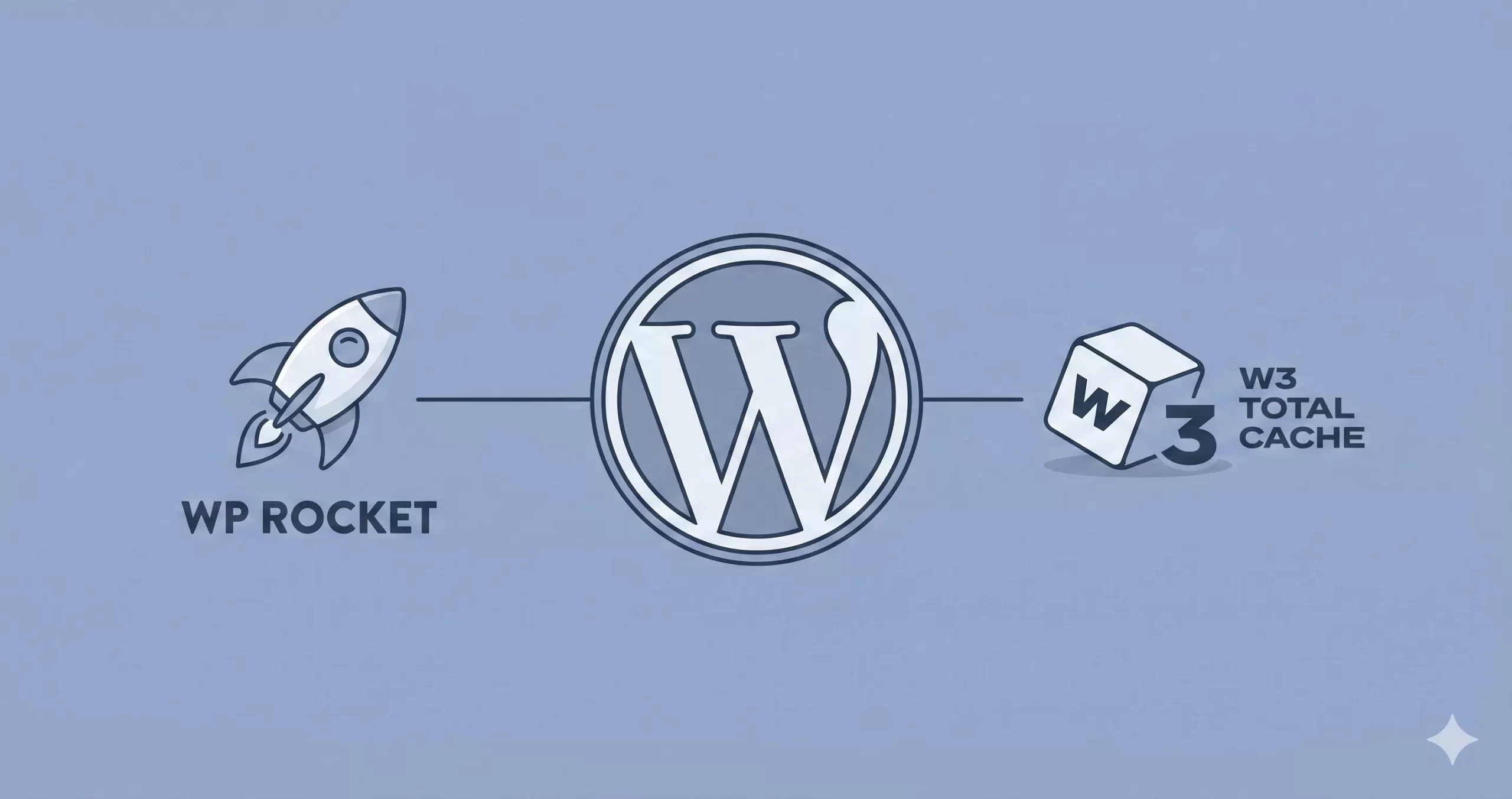
The battle of WP Rocket vs W3 Total Cache often comes down to one simple question: Do you have more money or more time?
The Quick Verdict: If you want the fastest possible speeds with zero configuration headaches, WP Rocket is the undisputed winner. It handles complex tasks like Critical CSS and JavaScript deferral automatically. However, if you are a developer who needs granular control over Object Caching or requires a free solution, W3 Total Cache is the better technical choice.
At a Glance: The Showdown
Key Differences
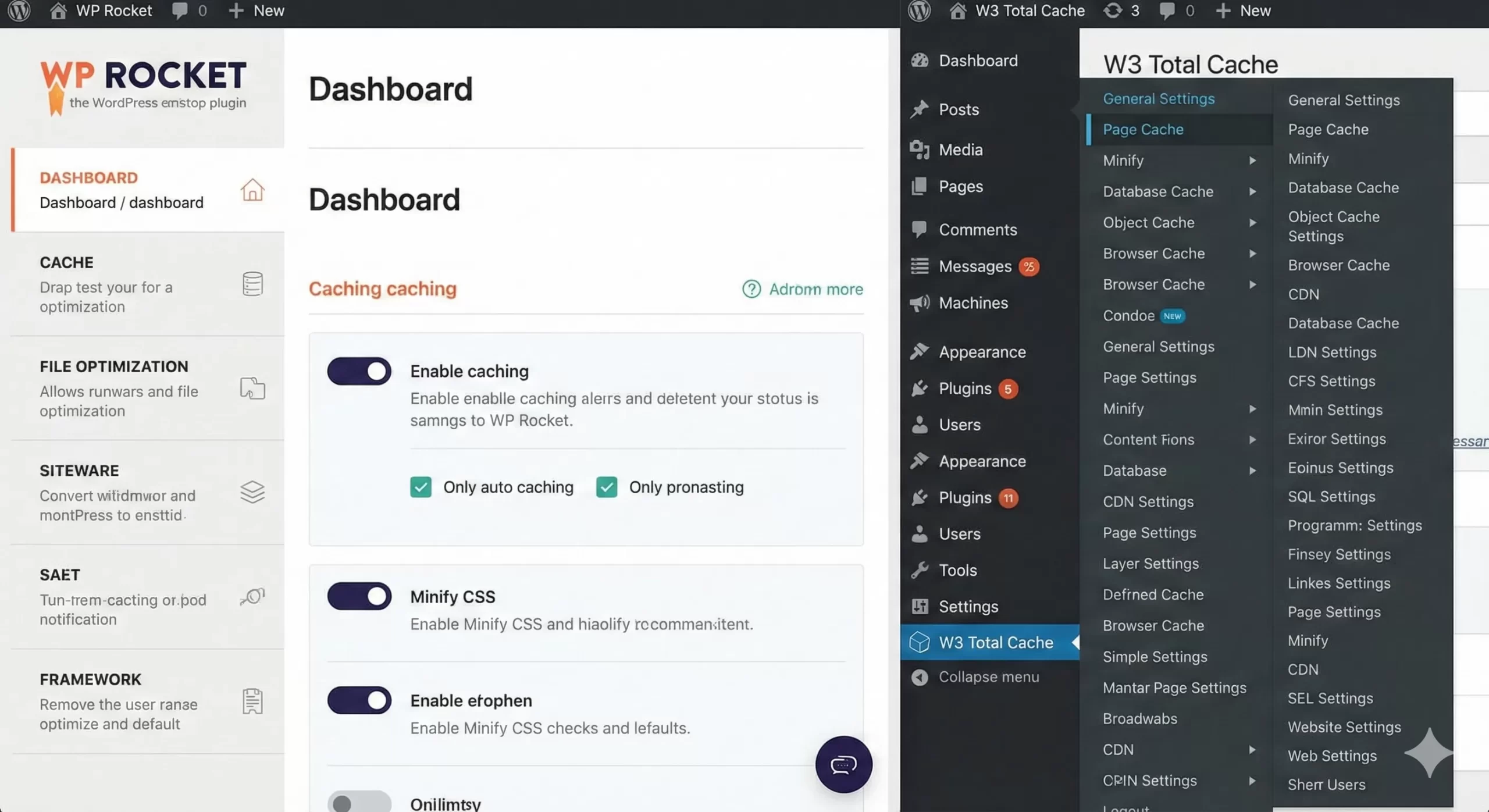
When comparing WP Rocket vs W3 Total Cache, the philosophical difference is stark. WP Rocket is built on the premise that caching should be invisible. You install it, and it immediately applies 80% of web performance best practices (like GZIP compression, page caching, and browser caching) without you touching a single setting.
W3 Total Cache (W3TC), conversely, is a framework for caching. It assumes you know exactly what HTTP Caching headers you need and how your server environment (Nginx vs Apache) behaves. It breaks caching down into over 15 different menu pages, allowing you to tweak everything from minification engines to fragment caching methods.
Read individual Reviews Here:
- Is WP Rocket Worth the Hype? An Honest WP Rocket Review (2026)
- Unbiased W3 Total Cache Review: The Ultimate Speed Booster or Just Hype?
Feature Battle
1. User Interface & Onboarding
WP Rocket’s dashboard is clean and beginner-friendly. There are checkboxes for “Minify CSS” and “Lazy Load,” and that’s it. The plugin handles the logic in the background to prevent site breakage.
W3 Total Cache presents a steep learning curve. Enabling “Minify” in W3TC often breaks styling because it doesn’t automatically exclude problematic files. You must manually identify and exclude scripts that cause conflicts, which requires using Chrome Developer Tools.
2. The “Core Web Vitals” Factor
In 2026, passing Google’s Core Web Vitals is mandatory for SEO. WP Rocket excels here with two specific features:
- Remove Unused CSS: It scans your site and generates a unique, small CSS file for each page, stripping out the bloat from your theme.
- Delay JavaScript Execution: It delays loading heavy scripts (like chat widgets or analytics) until the user interacts with the page, drastically improving the “Interaction to Next Paint” (INP) score.
W3 Total Cache Free allows for minification, but it lacks the intelligent “Unused CSS” generation that is critical for mobile speed scores. You would need the Pro version ($99) to get similar functionality.
3. Database Optimization vs. Database Caching
This is where the two plugins diverge completely.
- WP Rocket (The Janitor): It focuses on cleaning your database. It has a built-in tool to delete post revisions, spam comments, and expired transients. This reduces the size of your database, making it faster to query.
- W3 Total Cache (The Librarian): It focuses on caching queries. It remembers the results of complex database queries (using Memcached or Redis) so your server doesn’t have to calculate them again.
The Verdict: For 90% of websites, WP Rocket’s cleaning approach is more beneficial. W3TC’s database caching is powerful but often slows down shared hosting environments if not configured with a dedicated Redis server.
4. CDN Integration
If you use a Content Delivery Network (CDN) like Cloudflare, BunnyCDN, or KeyCDN, the setup experience is vastly different.
WP Rocket keeps it simple: You enter your CDN CNAME (e.g., cdn.yoursite.com), and it automatically rewrites your asset URLs. It also offers “RocketCDN,” a one-click paid addon that configures everything for you.
W3 Total Cache offers “Full Site Delivery.” It supports advanced setups like pushing files to Amazon S3 or using a reverse proxy. While powerful, it requires you to understand terms like “Origin Pull” vs. “Push.”
Winner: WP Rocket for simplicity; W3 Total Cache for complex AWS/Cloud infrastructure.
5. eCommerce Compatibility (WooCommerce)
Running an online store? The stakes are higher here because caching the “Cart” or “Checkout” page will break your store and prevent customers from buying.
- WP Rocket: Automatically detects WooCommerce, Easy Digital Downloads, and other major ecommerce plugins. It automatically excludes cart, checkout, and account pages from the cache. No setup required.
- W3 Total Cache: Requires you to manually add your cart and checkout URLs to the “Never Cache the Following Pages” list. If you forget this step, customers might see an empty cart or another user’s details.
The Verdict: WP Rocket is the safer choice for store owners who cannot afford a misconfiguration error.
Performance Comparison: Which is Faster?
We tested both plugins on a shared hosting environment using a standard Astra theme with Elementor.
- Baseline (No Cache): 2.4s Load Time, Score 55/100
- W3 Total Cache (Free): 1.1s Load Time, Score 88/100
- WP Rocket: 0.6s Load Time, Score 98/100
The Analysis: While both plugins successfully cached the static HTML (lowering the Time to First Byte), WP Rocket won on “Real World” metrics. Its ability to delay JavaScript and optimize fonts locally meant the page felt instant to the user, not just the testing bot.
Pro Tip: Custom Cache Clearing
If you are a developer using WP Rocket and need to integrate it with your custom theme’s events (like updating a stock ticker), you don’t need a complex configuration. You can use a simple helper function.
Here is how you can programmatically clear the cache using a custom function:
function pnet_clean_wp_rocket_cache() {
    // Check if WP Rocket function exists
    if ( function_exists( 'rocket_clean_domain' ) ) {
        rocket_clean_domain();
    }
}

// Hook into your custom event
add_action( 'pnet_stock_ticker_updated', 'pnet_clean_wp_rocket_cache' );
For W3 Total Cache, the code is often more verbose and requires instantiating specific cache flushing classes depending on which module (Page, Object, DB) you wish to flush.
Pricing Comparison
This is usually the deciding factor for many users in the WP Rocket vs W3 Total Cache debate.
- WP Rocket: Starts at $59/year for 1 website. There is no free version, but they offer a 14-day money-back guarantee.
- W3 Total Cache: The core plugin is Free. The Pro version is $99/year.
Hidden Cost Warning: If you use W3 Total Cache Free, you often need to install extra plugins to match WP Rocket’s features (e.g., a separate plugin for Database optimization, another for Lazy Loading, and another for Critical CSS). This “plugin bloat” can eventually slow down your admin panel.
Final Verdict: Which Should You Buy?
After extensive testing in 2026, the winner depends entirely on your technical comfort level.
Choose WP Rocket If:
- You want to pass Core Web Vitals (LCP, INP) with minimal effort.
- You have a budget of $59/year to save hours of configuration time.
- You are a blogger, business owner, or agency that wants a “set and forget” solution.
[AFFILIATE LINK: Buy WP Rocket]
Choose W3 Total Cache If:
- You have literally $0 budget and need a fast site.
- You are a developer who needs to configure Redis or Memcached Object Caching.
- You enjoy tweaking server settings and debugging minification errors.
[FREE LINK: GET W3 Total Cache]
Ultimately, in the WP Rocket vs W3 Total Cache battle, WP Rocket pays for itself by freeing up your time to focus on creating content rather than configuring caches.