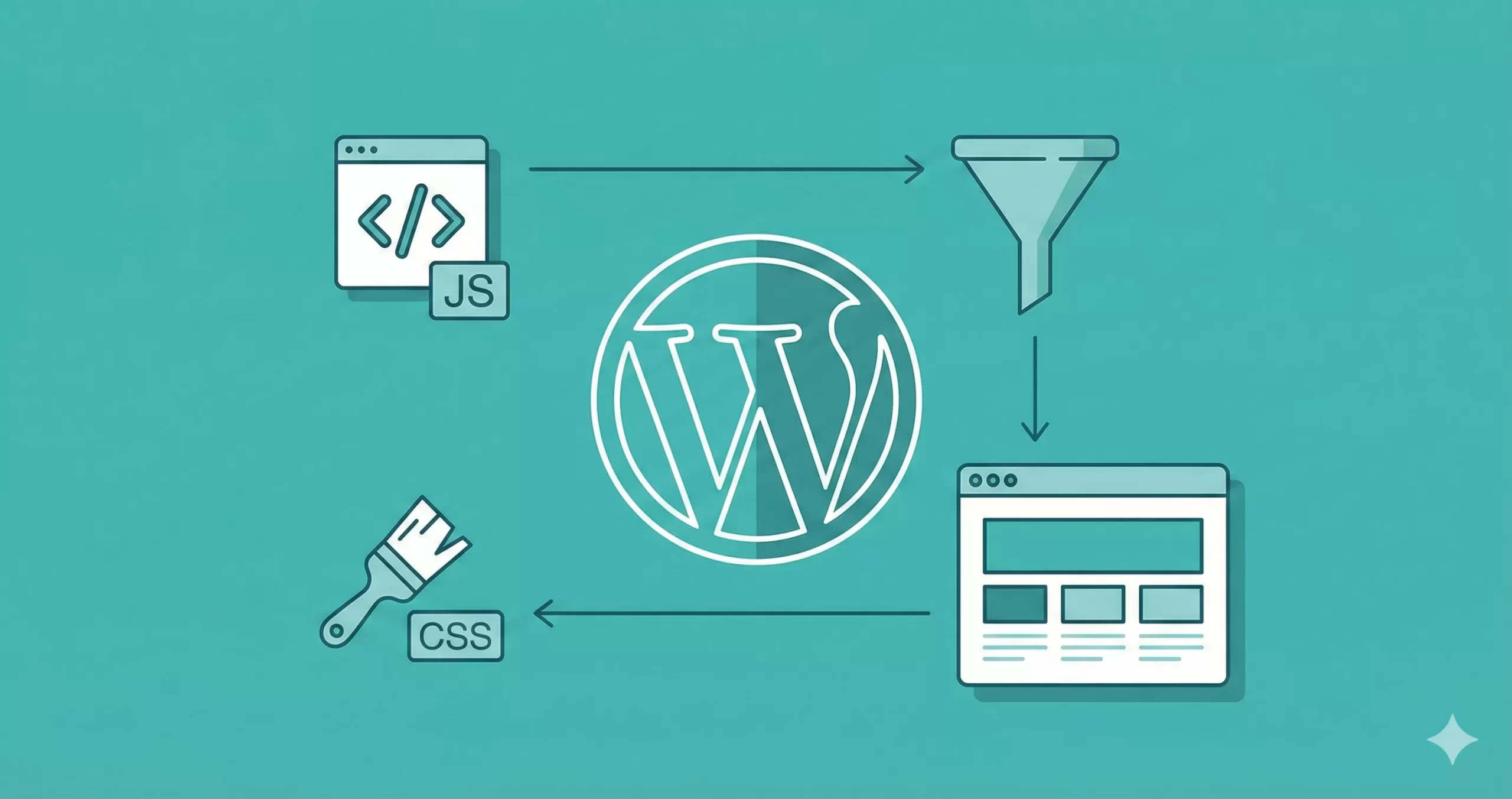
Hardcoding links to stylesheets or scripts directly into your header.php file is a practice that belongs in 2010. Today, managing asset loading via the official standards for WordPress enqueue scripts and styles is not just a recommendation—it is a requirement for theme compatibility, security, and performance. If you are struggling with jQuery conflicts, missing CSS files, or slow page loads, you are likely bypassing the WordPress dependency management system.
In this guide, we will solve the chaos of asset management. We will walk through exactly how to register, enqueue, and conditionally load your assets using the correct hooks. By the end of this tutorial, you will have a robust, conflict-free setup for handling WordPress enqueue scripts and styles like a senior developer.
- Access to your theme’s
functions.phpor a custom site-specific plugin. - Basic understanding of PHP and HTML.
- A backup of your site (always recommended before editing core files).
- PHP 7.4 or higher (Recommended PHP 8.0+).
- Administrator access to the WordPress dashboard.
For Developers
1. The Logic Behind wp_enqueue_scripts
Before writing code, it is crucial to understand the architecture. WordPress uses a system of “hooks” to insert code at specific points during page generation. For frontend assets, the correct action hook is wp_enqueue_scripts. Contrary to its name, this hook is used for both scripts and styles.
When you correctly utilize the WordPress enqueue scripts and styles architecture, you gain access to dependency management. This means you can tell WordPress, “Load my custom JavaScript file, but only after jQuery has loaded.” This prevents the common “jQuery is not defined” error that plagues many sites.
Why Not header.php?
Hardcoding <link> or <script> tags prevents plugins from managing caching or minification properly. It also creates duplicate loading issues if two plugins try to load the same library (like FontAwesome). Using the enqueue system handles deduplication automatically.
You might also like:
2. Enqueueing Stylesheets (CSS)
To load a CSS file, we use the wp_enqueue_style() function. This function registers the style if it hasn’t been registered yet and enqueues it.
Pro Tip
The function accepts five parameters: $handle, $src, $deps, $ver, and $media. Understanding $deps (dependencies) is vital for ensuring your CSS overrides works correctly. If your child theme style needs to load after the parent theme, you must list the parent handle as a dependency.
function pnet_load_theme_styles() {
    // 1. Enqueue the main stylesheet
    // get_stylesheet_uri() returns the URL of the current theme's style.css
    wp_enqueue_style( 'pnet-main-style', get_stylesheet_uri() );

    // 2. Enqueue a custom CSS file located in a /css/ subdirectory
    // We assume this file depends on the main style being loaded first
    wp_enqueue_style(
        'pnet-custom-layout',
        get_template_directory_uri() . '/css/layout.css',
        array( 'pnet-main-style' ),
        '1.0.0',
        'all'
    );
}
add_action( 'wp_enqueue_scripts', 'pnet_load_theme_styles' );
In the code above, pnet-custom-layout will strictly load after pnet-main-style. This granular control is the primary benefit when you manage WordPress enqueue scripts and styles programmatically.
Must Read: Add AJAX Infinite Scroll in WordPress: The Ultimate Guide
3. Enqueueing JavaScript Files
Loading JavaScript follows a similar pattern but includes parameters specifically for script placement. The wp_enqueue_script() function allows you to move scripts to the footer, which is essential for improving Google Core Web Vitals and First Contentful Paint (FCP) scores.
The Importance of the Footer Argument
The last parameter of the function is $in_footer. By setting this to true, WordPress injects the script tag right before the closing </body> tag instead of the <head>. This prevents “render-blocking resources” warnings in PageSpeed Insights.
function pnet_load_theme_scripts() {
    // Enqueue a custom script that relies on jQuery
    // We set the version to 1.2 and $in_footer to true
    wp_enqueue_script(
        'pnet-custom-js',
        get_template_directory_uri() . '/js/app.js',
        array( 'jquery' ),
        '1.2.0',
        true
    );
}
add_action( 'wp_enqueue_scripts', 'pnet_load_theme_scripts' );
Note the dependency array array( 'jquery' ). This tells WordPress to automatically load the core jQuery library before your app.js file runs. You do not need to download or enqueue jQuery manually; WordPress includes it by default.
You might also like:
4. Automating Cache Busting
One of the most frustrating aspects of web development is browser caching. You update your CSS, but users still see the old version. To fix this while handling WordPress enqueue scripts and styles, we can replace the static version string (e.g., ‘1.0.0’) with the file’s modification timestamp.
Using the PHP function filemtime(), we can dynamically generate a version number that changes every time the file is saved. This forces the user’s browser to download the new file immediately.
Intermediate
function pnet_load_assets_with_versioning() {
    $style_path = get_template_directory() . '/css/main.css';
    $style_uri  = get_template_directory_uri() . '/css/main.css';

    // Check if file exists to avoid PHP warnings
    if ( file_exists( $style_path ) ) {
        wp_enqueue_style(
            'pnet-dynamic-style',
            $style_uri,
            array(),
            filemtime( $style_path ), // Returns a timestamp like 167899200
            'all'
        );
    }
}
add_action( 'wp_enqueue_scripts', 'pnet_load_assets_with_versioning' );
5. Conditional Loading for Performance
A hallmark of a poorly optimized site is loading every script on every page. If you have a script that powers a contact form, it should only load on the contact page. We can use WordPress conditional tags inside our function to limit where WordPress enqueue scripts and styles are executed.
This practice reduces the payload size on your homepage and improves overall site speed. Common conditional tags include is_front_page(), is_single(), and is_page().
function pnet_conditional_scripts() {
    // Only load the checkout.js file on the checkout page
    // Assume the checkout page has the slug 'checkout'
    if ( is_page( 'checkout' ) ) {
        wp_enqueue_script(
            'pnet-checkout-logic',
            get_template_directory_uri() . '/js/checkout.js',
            array( 'jquery' ),
            '1.0',
            true
        );
    }

    // Only load syntax highlighter CSS on single blog posts
    if ( is_single() ) {
        wp_enqueue_style(
            'pnet-syntax-highlighter',
            get_template_directory_uri() . '/css/prism.css'
        );
    }
}
add_action( 'wp_enqueue_scripts', 'pnet_conditional_scripts' );
6. Passing PHP Data to JavaScript
Often, your JavaScript file needs access to data from the server, such as the site URL, a security nonce, or a translation string. Traditionally, we used wp_localize_script() for this. While originally intended for localization (translation), it became the standard way to pass any data object from PHP to JS.
When you master WordPress enqueue scripts and styles, you will frequently use this to make your AJAX calls secure. The function creates a JavaScript object in the global scope before your script runs.
function pnet_localize_ajax_data() {
    // First, enqueue the script normally
    wp_enqueue_script(
        'pnet-ajax-handler',
        get_template_directory_uri() . '/js/ajax-app.js',
        array( 'jquery' ),
        '1.0',
        true
    );

    // Now, attach data to that handle
    wp_localize_script(
        'pnet-ajax-handler',
        'pnet_config', // This will be the JS object name
        array(
            'ajax_url' => admin_url( 'admin-ajax.php' ),
            'nonce'    => wp_create_nonce( 'pnet_ajax_nonce' ),
            'greeting' => __( 'Hello World', 'pnet-textdomain' )
        )
    );
}
add_action( 'wp_enqueue_scripts', 'pnet_localize_ajax_data' );
In your JavaScript file (ajax-app.js), you can now access these values using console.log(pnet_config.ajax_url);.
7. Troubleshooting Common Errors
Even when following the guide on WordPress enqueue scripts and styles, issues can arise. Here are the most common pitfalls developers encounter.
1. jQuery is Not Defined
If your console throws a “jQuery is not defined” error, it usually means your script is loading before jQuery. Ensure you have added array('jquery') as a dependency in your wp_enqueue_script call.
2. Styles Not Updating
If you edit CSS but see no changes, it is a caching issue. Implement the filemtime versioning technique discussed in Step 4. Also, check if your hosting provider (like BigRock) or a caching plugin has aggressive server-side caching enabled.
3. 404 Errors on Console
This indicates the path to your file is incorrect. Remember that get_template_directory_uri() points to the parent theme. If you are in a child theme, you must use get_stylesheet_directory_uri().
Warning
Summary: The Right Way to Load Assets
Properly managing your assets via WordPress enqueue scripts and styles is the difference between a fragile, slow website and a professional, scalable application. By using hooks, defining dependencies, and implementing version control, you ensure your site remains compatible with the ecosystem of thousands of WordPress plugins.
Whether you are building a custom plugin or optimizing a high-traffic blog, these practices are foundational. Stop hacking the header file and start queuing your code the right way.